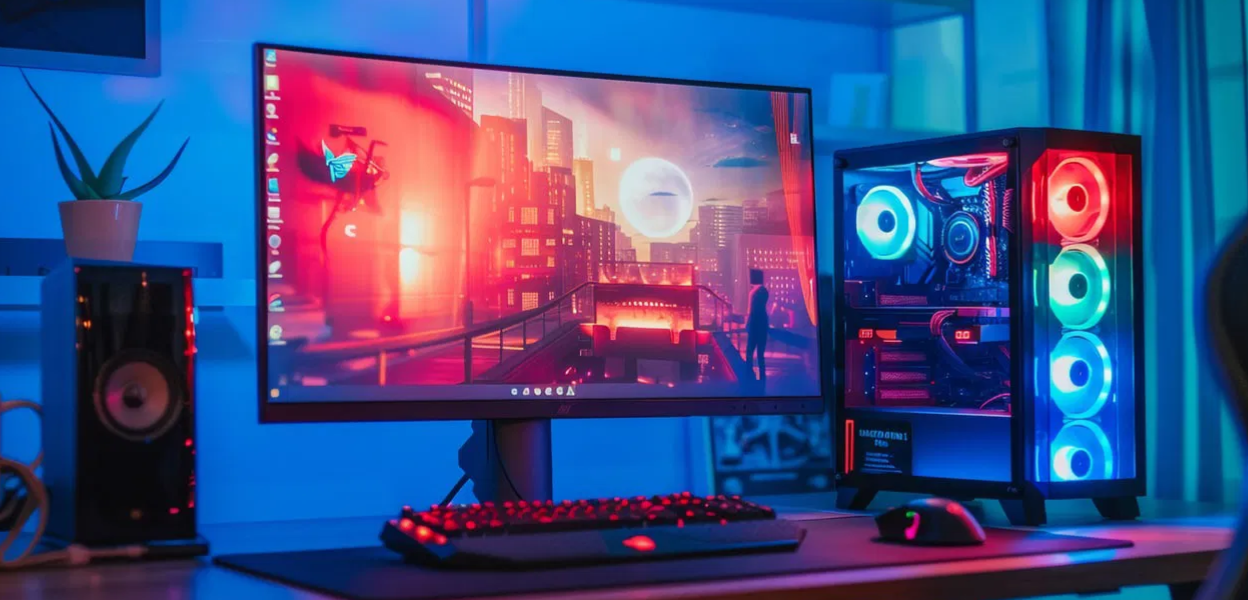
Ultimate PC Freedom with Alternate’s Builder
Customize every component with ease, enjoy pros and caveats–this review dives into Alternate PC Builder’s real‑world value.
Building a PC today is less about soldering and more about strategy. There’s an art to pairing the right CPU with the perfect graphics card and a whole science behind airflow, thermal dynamics, and benchmark scores. While the process has become far more approachable, it’s still easy to get lost in the weeds. That’s where a tool like the Alternate PC Builder comes in and not quietly.
The Alternate PC Builder offers a full-service path for users wanting to configure a system from scratch or buy parts for a DIY build. With options to choose individual components, see benchmarks, test compatibility, and even have professionals handle the final assembly, it brings a lot to the table. But does it really offer better value? That’s exactly what this alternate review unpacks.
A Tool That Makes Things Simple
Customization tends to be where things get overwhelming. That’s one reason many settle for prebuilt systems, they look good on paper and are easy to buy. But for those wanting control without the learning curve, the Alternate PC Builder strikes an intriguing balance.
From the moment you land on the builder interface, you’re guided through all necessary components: processor, motherboard, cooler, RAM, storage, GPU, PSU, fans, chassis, and OS. Compatibility is monitored in real time, and alerts pop up if you pick something that won’t work with the rest of your build. This isn’t just a checklist, it’s a safety net. And in this alternate pc build, that detail alone removes hours of research.
But what truly stands out is that users aren’t forced to build in any specific order. Want to start with a case and work backward to the power supply? You can. Want to add a top-tier GPU and let the rest fall into place later? Also possible.
The Two Ways to Buy
The alternate pc builder caters to two types of shoppers: the ones who want it all done for them, and the ones who prefer to build it themselves.
Option 1: Assembled System
Select components and pay an additional assembly fee. Alternate’s experienced technicians put your system together, test it, and ship it out. This includes a full OS install and driver configuration. You can even tack on a 48-hour stress test, which pushes your rig through continuous use and provides benchmark data via USB.
Option 2: Loose Parts
You pick the parts, and Alternate ships them directly to you. The system will still be checked for compatibility, and every item arrives ready for self-assembly. This is the most budget-conscious route and ideal for experienced builders.
These dual paths add flexibility and offer something that other PC services often miss. A fully guided alternate pc build without pressure to opt for assembly is a rarity.
Performance Transparency
Another feature that deserves mention: benchmark integration. Once you’ve selected a few core components, usually the CPU, RAM, and GPU, you’ll gain access to 3DMark results. These aren’t fluff numbers; they offer real-world insight into how your alternate gaming pc might perform under pressure. You’ll get breakdowns on graphical performance, load balancing, and system bottlenecks, all before you check out.
This function alone makes the alternate pc builder especially appealing for users targeting gaming or content creation. Seeing actual scores is far more helpful than trusting generic spec lists or online guides that may be outdated.
Services That Actually Add Value
What makes Alternate different is how it extends its services beyond simple delivery. Here's a breakdown of its key offerings:
Stress Test Service (€69)
Your assembled build undergoes a 48-hour stress run. It’s monitored for overheating, instability, and component performance. If a part fails, it’s replaced before shipment.
Emergency Build (€150)
If every part is in stock and there are no compatibility issues, the build can be assembled and shipped within two business days. Ideal for creators or gamers with time-sensitive needs.
Warranty Extension (€199)
Adds an additional 12 months of coverage to the standard two-year warranty for assembled systems. This is especially worthwhile for those who aren’t comfortable replacing parts themselves down the line.
Real-World Alternate Reviews
There’s no substitute for user experience, and a quick look at alternate reviews online paints a fairly consistent picture.
On platforms like Trustpilot and Tweakers.net, Alternate receives strong feedback for build quality and part availability. One user shared that their alternate gaming pc ran cool and silent thanks to smart fan placement and cable management. Another praised the packaging, noting that each component arrived sealed and untouched, even in fully assembled builds.
On the other hand, a few users cited slow communication during backorder periods and minor hiccups with component swaps. This usually happened when parts went out of stock between checkout and fulfillment, a common issue with custom builds. Alternate’s resolution often involved offering similar-value parts or store credit, but it’s something to be aware of.
Alternate vs Competitors
In the custom PC builder space, Alternate competes with names like PCSpecialist, NZXT BLD, and Mindfactory. Here’s how it stacks up:
Where Alternate shines is in combining transparency with flexibility. The alternate pc builder allows full control while supporting users through testing and warranty extensions.
Price vs Value
When stacking up final costs, Alternate’s pricing sits somewhere between budget and premium. You won’t always find the absolute cheapest parts here, but you’ll see consistent pricing that includes VAT, compatibility assurance, and access to warranty services.
For DIY builds, it’s easier to price-match using online aggregators. But once you factor in the extra testing, assembly, and stress analysis, Alternate's value becomes clearer, especially for users new to PC building or those building a alternate gaming pc for streaming, editing, or multitasking.
For users who care about both customization and system stability, the alternate pc builder delivers meaningful value. From seamless part selection to detailed benchmark previews, every step is built to guide the process without sacrificing user freedom.
What sets it apart is how much control it gives back to the user while still supporting them with professional backup. The services are real, the compatibility checks are reliable, and the community feedback, while not perfect, is largely positive.
This isn’t a platform for the impulse buyer looking for the fastest checkout. But if you’re after quality, transparency, and a stress-free build experience, this alternate pc build is more than worth exploring.
For more on PC and Technology, Website.
Related Blogs

Grüns Guide to Superfood Gummies and Daily Nutrition
Discover Grüns superfood gummies for adults and kids, featuring vitamins, minerals, fruits, vegetables, and other plant-based ingredients. Compare flavors, sugar options, daily packs, and subscriptions before choosing a formula.

NuBest Supplements Review: A Complete Guide to Products for Kids and Teens
Discover NuBest supplements for kids and teens, including gummies, chewable vitamins, capsules, and protein powders. Explore product features, compare options, and learn how to find the best NuBest deals.

TMates Review: A Guide to Online Healthcare and Wellness Treatments
TMates makes exploring healthcare and wellness treatments easier with online consultations and home delivery. From weight management and hair growth to skincare and anti-aging solutions, discover its treatment options, understand the process, and find out what to consider before choosing a personalized healthcare plan.