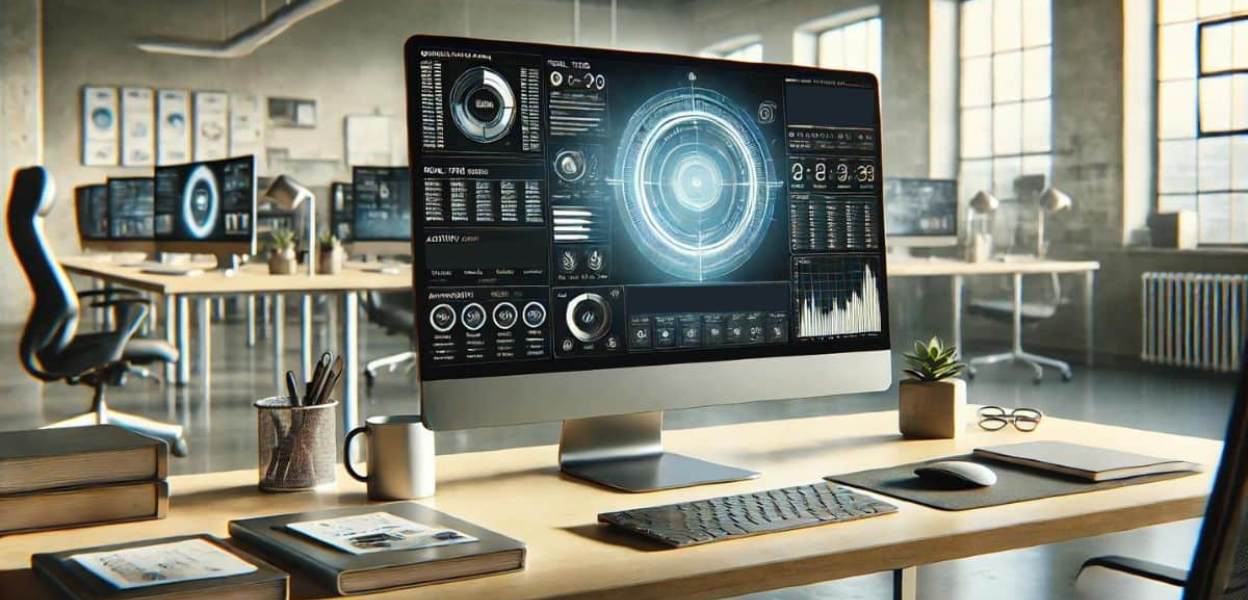
How SentryPC Delivers Real Oversight for Business and Family Device Use
From application logs to website blocks and real-time control, SentryPC gives families and companies the ability to track and limit user behavior.
Keeping track of what happens on a computer can be critical at home, at work, and in educational spaces. With so much digital activity taking place behind screens, the need to manage device behavior has shifted from optional to necessary. That’s the environment where SentryPC positions itself, not just as software, but as a central hub for computer monitoring, access restriction, and remote usage control.
This review explores what SentryPC does, how it works, who uses it, and what to know before choosing it for computer tracking. It's not built for casual oversight. This platform steps in when there’s a clear need to manage what users do on devices, how long they use them, and whether their actions match intended policies, whether that's for a child using a laptop at home or an employee accessing business resources.
What SentryPC Offers Under the Hood
SentryPC is marketed as a cloud-based solution that blends computer monitoring software for business, family, or school usage. The software supports Windows, macOS, Android, and Chromebook, and users manage everything from a secure web portal. Once installed, no on-site access is required, which is one of its key selling points for IT managers and parents alike.
The core toolkit covers:
- Real-time activity logs
- Application usage reports
- Keystroke records
- Clipboard content
- Portable drive activity
- Screenshot archiving
- Website visits with timestamps
- Keyword-triggered alerts
Every feature can be switched on or off depending on how deep you want the computer monitoring to go. And while pc sentry operation runs in stealth by default, there’s an option to notify users through system alerts if you want transparency.
Device Use and Time Limits
One reason people consider SentryPC is time control. From a central dashboard, it allows you to:
- Block access outside of approved hours.
- Set daily or weekly usage quotas.
- Apply time limits per app, website, or user.
- Schedule usage hours based on weekdays or weekends.
This isn’t just a “lock screen” type of restriction. It applies layered control, helping shape how long and when users interact with their devices. For instance, schools can configure Chromebooks to stay active only during classroom hours, while parents can create evening blocks for certain websites or games.
Activity Filters and Custom Rules
Filtering is another key feature in this computer monitor software. The filters apply to:
- Apps and games.
- Specific websites.
- Entire web categories (like gambling, violence, or adult content).
- Keywords typed or found in content.
Keyword rules let you enter terms that, once detected, trigger automatic logging or alerts. For parents, this may include names, locations, or slang terms flagged for safety. In businesses, keywords related to confidential projects or non-approved software tools can be filtered.
And all these filtering rules are supported by alerts sent to your email or shown in your dashboard. This turns computer tracking into a feedback system that shows what attempts were made to bypass restrictions and how often they happen.
Real-Time Oversight and Reporting
The SentryPC review wouldn’t be complete without discussing how activity logs and screenshots are handled. Every action, whether typing, copying files, browsing or printing is tracked and saved. The system offers:
- Timeline-based logs
- Screenshot galleries with date filters
- Report summaries by user, device, or time period
- Visual usage charts to detect patterns
This makes SentryPC suitable not only for daily device control but also for long-term behavioral analysis. Schools use it to understand how students engage with educational platforms. Employers rely on it to detect drops in productivity or misuse of tools.
One of the more detailed features includes session records: start time, end time, idle time, and mouse/keyboard activity. These inputs help measure not just how long a device stayed active, but how much of that time involved real user interaction.
Geofencing and Location Logs
For mobile devices or laptops, SentryPC also tracks location through IP and GPS when enabled. You can draw a virtual geofence around a location and get alerts when the device enters or exits that space.
This can help parents confirm where school devices are, or help companies track field staff devices without constant check-ins. Every location log includes timestamped city, country, and map views accessible through the admin account.
Installation and Control from Anywhere
The software is installed via a small file, which can be sent by email, uploaded through a network, or installed directly. After installation, there’s no need to ever return to the device. Every change, from filters to usage schedules happens in your account online.
That includes uninstalling the agent. You can remove SentryPC remotely from the dashboard. The same applies to updates, which apply silently and do not interrupt user activity.
Pricing Structure and Access
Understanding SentryPC pricing is essential before considering any deployment. The base plan starts at $69.95 per year for one device. Each additional device costs $29.95 per year. All features are included regardless of plan size.
There are business-scale packages as well, where license volume brings costs down. All plans include free updates, log storage for one month, and screenshot limits based on license. If more screenshot capacity is needed, it’s available as an add-on.
One key aspect: logs older than 30 days are auto-deleted unless downloaded. So if your operation requires long-term archiving, manual exporting will be necessary. The downloadable files come in .CSV or .ZIP formats and can be saved to your own data systems.
Who It Makes Sense For
SentryPC works for anyone who needs computer monitoring software for business, educational or family purposes. This includes:
- Schools managing student Chromebook usage.
- Employers monitoring desktop activities in a remote setup.
- Parents enforcing digital safety standards.
- Administrators controlling shared workstations in public spaces.
What matters most is how it centralizes the control. Once deployed, every device and user stays visible in one portal. Whether usage spans multiple cities or floors of an office, activity logs, alerts, and device health stay accessible.
It’s less about casual observation and more about policy enforcement, who used what, when, for how long, and what actions they tried to take. This is why it's often categorized as a best pc monitoring program for multi-user environments with shared access concerns.
SentryPC is not a casual-use app. It's a computer monitor software built for structure, limits, and data-driven oversight. Whether that need comes from a family trying to keep kids safer online or a business requiring insight into productivity and risk, the software is equipped to deliver. With its cloud access, real-time logging, filtering, scheduling and multi-platform support, it provides a complete view into device activity and a way to act on that information with precision. For those seeking a deeper level of computer tracking, pc sentry features like usage limits, geofencing, screenshot recording, and keyword alerts make it a platform worth knowing.
Follow ChicFitWorld for more software reviews, monitoring tools, and digital oversight insights designed for today’s users.
Related Blogs

Grüns Guide to Superfood Gummies and Daily Nutrition
Discover Grüns superfood gummies for adults and kids, featuring vitamins, minerals, fruits, vegetables, and other plant-based ingredients. Compare flavors, sugar options, daily packs, and subscriptions before choosing a formula.

NuBest Supplements Review: A Complete Guide to Products for Kids and Teens
Discover NuBest supplements for kids and teens, including gummies, chewable vitamins, capsules, and protein powders. Explore product features, compare options, and learn how to find the best NuBest deals.

TMates Review: A Guide to Online Healthcare and Wellness Treatments
TMates makes exploring healthcare and wellness treatments easier with online consultations and home delivery. From weight management and hair growth to skincare and anti-aging solutions, discover its treatment options, understand the process, and find out what to consider before choosing a personalized healthcare plan.